CONTENT / 01
Slot Spark, Crash Fast Lift and Baccarat CasinoHub
Three titles draw consistent attention across the lobby. Slot Spark runs a standard five-reel format with a cascading prize symbol that replaces lower-value icons after a winning line — the mechanic is shown in the paytable inside the game itself.
-
Slot Spark
-
Crash Fast Lift
-
Baccarat CasinoHub
CONTENT / 04
b77b lobby studios
The b77b lobby carries content from Spadegaming, Bigtime Gaming, Habanero, JDB, CQ9, Pragmatic Play. To check the studio, rules or features of one specific game, open that game card or the published information panel.
-
Spadegaming
-
Bigtime Gaming
-
Habanero
-
JDB
-
CQ9
-
Pragmatic Play
CONTENT / 02
Casino, Slots and Live Tables in One Place
The lobby organises casino and slot titles by category so you can filter by game type rather than scrolling the full catalogue. Live casino rooms and slot reels sit on separate rails; switch between them from the same navigation bar without leaving the page.
CONTENT / 03
The Home Lobby on a Smaller Screen
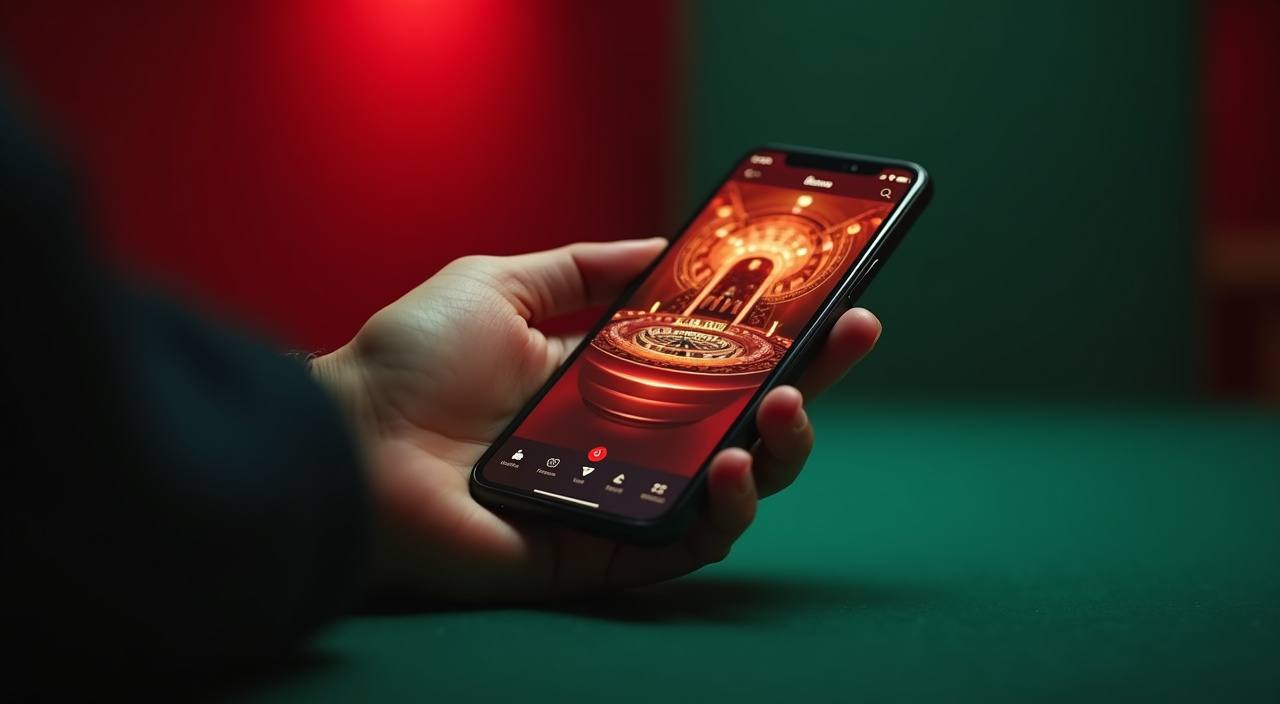
The b77b home page on a mobile screen organises the same lobby rails you see on desktop into a vertical scroll with a larger tap target on each game card. The horizontal media rail at the top of the home screen shows the studio categories — Habanero, CQ9, Pragmatic Play and others — so you can filter by studio without opening a separate menu.
-
Lobby Discovery Rail
The studio category rail at the top of the mobile home screen lets you filter game cards by provider — tap Habanero, JDB or Spadegaming to narrow the visible titles. The rail scrolls horizontally; the game cards below update to match the selected studio without reloading the full page. This keeps the home screen usable with one hand on a standard mobile screen size.
-
Wallet Shortcut
Your bKash, Nagad or Rocket wallet shortcut appears in the top bar of the mobile home screen once you are logged in. Tapping it opens the wallet section directly rather than routing through the account menu. This is particularly useful when you want to check a transaction status after a deposit without interrupting a game session you have open in a separate tab.
-
One-Tap Session Controls
The session control icon in the mobile home screen header opens your account controls — session time, active limits and account status — in a modal that does not navigate away from the home page. Review your session details and return to the lobby with a single back tap. The current state of any limit you have set is shown here exactly as stored in your account, with no delay in display.
 Sports / Slots